Keep learners informed at every step
Send enrollment confirmations, class updates, assignment reminders, and payment notifications through the channels your education platform uses.
Dokaai helps your team manage notification templates, connected providers, and customer preferences in one place. Trigger messages from your application as learner events occur.
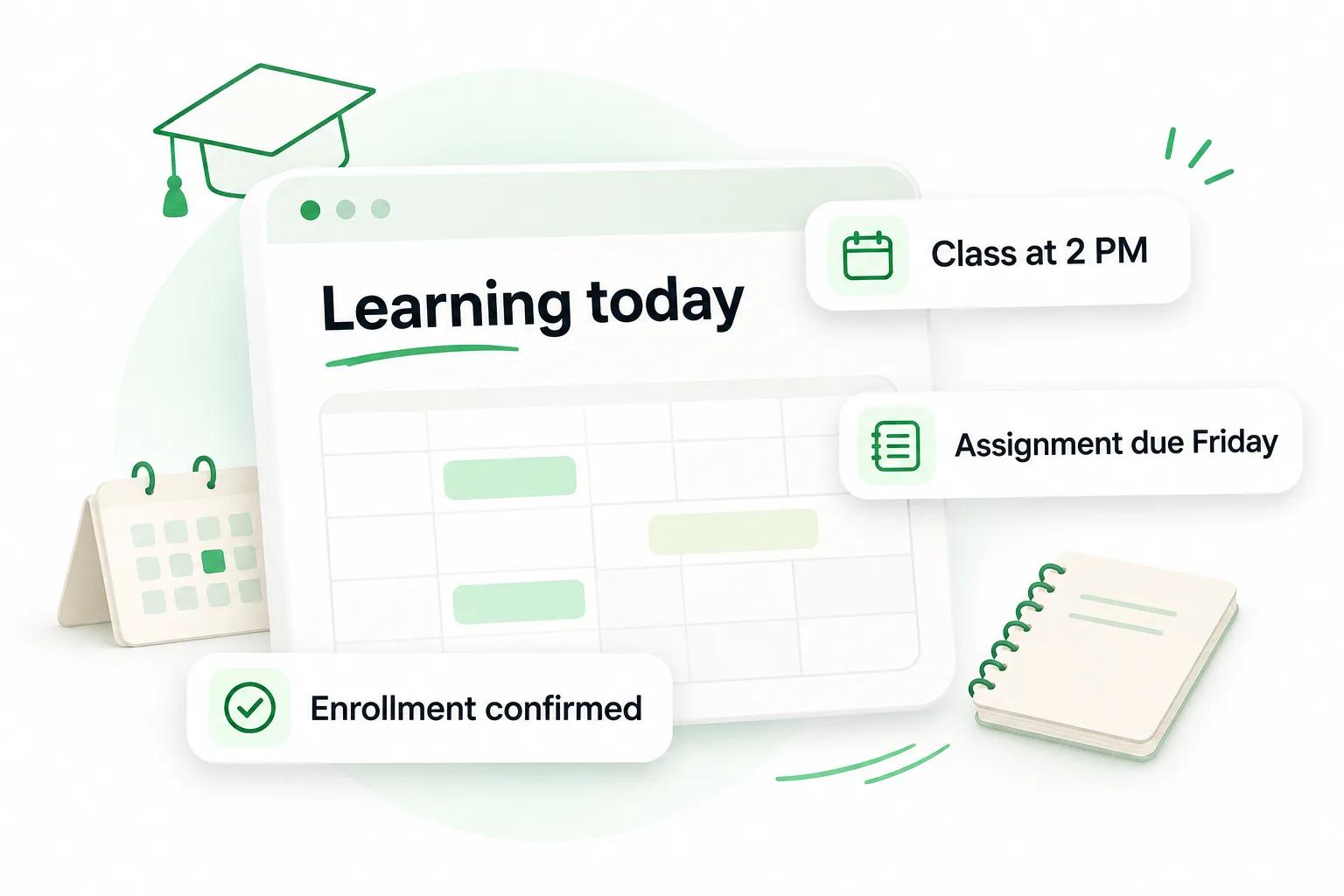
Notifications across the learner journey
WHERE NOTIFICATIONS FIT
Keep learners, families, and staff informed at each stage of their education journey.
Admissions and onboarding
Application status updates
Enrollment confirmations
First-day instructions
Classroom updates
Schedule changes and session links
Absence and late-arrival notices
Instructor announcements
Assessments and grades
Due date reminders
Exam schedule updates
Result availability notices
Payments and finance
Upcoming fee reminders
Payment confirmations
Receipt notifications
Campus operations
Campus closure updates
Facility notices
Event changes
Alumni and community
Event invitations
Community newsletters
Program updates
Control how education updates are sent
Keep message logic and delivery configuration together as your education product grows.
Connected channels
Configure provider integrations for Email, SMS, Push, WhatsApp, and In-app notifications.
Reusable handlers
Define templates, channels, recipients, and configuration for recurring notification flows.
Customer preferences
Check configured customer preferences before sending notifications.
Delivery visibility
Inspect notification execution and delivery state across channels.
What your team owns, and what Nudge handles
Your education systems remain the source of learner events and contact details. Nudge coordinates the notification setup, while your connected providers handle external delivery.
Your learning and admissions systems
- Maintain enrollment, attendance, class schedules, deadlines, and payment records.
- Identify which learners, family contacts, or staff should receive each update.
- Supply current recipient details, course or campus information, and the relevant next-step links.
Nudge notification orchestration
- Apply a configured notification handler and reusable template to the learner event your application supplies.
- Use the selected recipients or configured audience groups, channels, and notification preferences.
- Expose the available execution and delivery information so your team can investigate a learner notification.
Follow one enrollment confirmation from learner event to send record
Your admissions system confirms enrollment and supplies the learner details. Nudge applies the configured notification setup and uses your connected provider for external delivery.
Identify the learner and next steps
Choose the learner, family contact, or staff member who needs the enrollment update, using current recipient details and next steps from your admissions system.
Frequently asked questions
Dokaai supports notification handlers for Email, SMS, Push, WhatsApp, and In-app channels. Connect a provider for the channels your flow uses.
Yes. Your backend can trigger a configured notification handler when an event occurs in your application. Connecting a specific learning platform depends on that platform and your integration.
Yes, if your provider is a supported integration. Connect your account and configure it for the relevant channel.
Dokaai supports customer notification preferences, helping recipients control the communications they receive. The options available depend on your configuration.
Dokaai provides notification execution and delivery information. The status details available can vary by channel and provider. Test your handler to see the information returned for your flow.
Plan your education notification flow
Bring one learner event, the intended recipients, and your channel and provider requirements. Talk to us about connecting that flow to a Dokaai notification handler.
