Healthcare notifications for every stage of care
Keep patients informed with appointment reminders, care updates, and follow-ups across supported Email, SMS, WhatsApp, Push, and In-app channels.
Connect your healthcare application to Nudge and manage patient messages, providers, and notification preferences in one place.
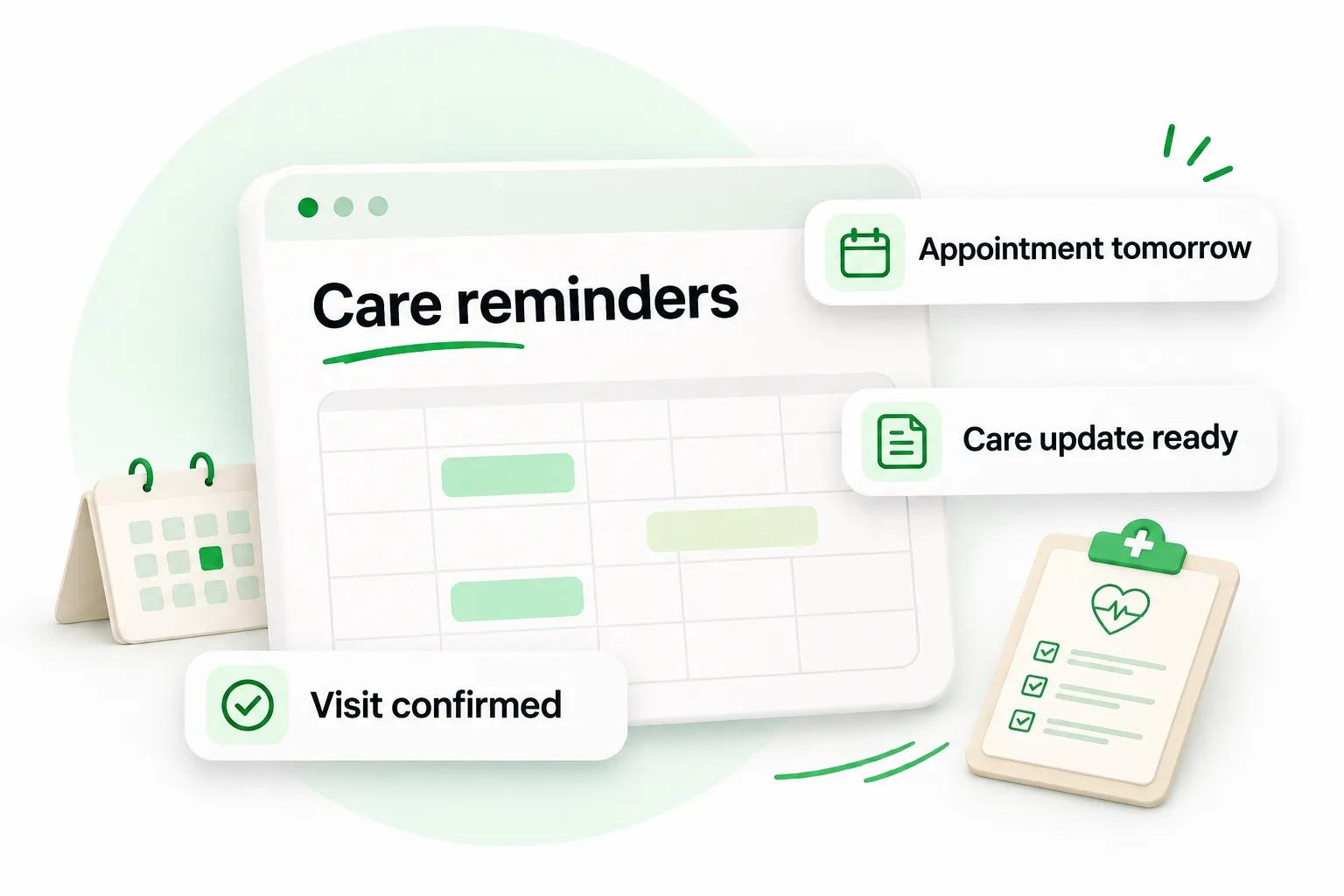
Useful updates throughout the patient journey
From scheduling to recovery
Use events from your own systems to decide who needs an update and when your application should request a send.
Scheduling and intake
Booking confirmations
Appointment changes
Intake form reminders
Preparing for a visit
Preparation checklists
Location and arrival details
Telehealth joining instructions
After the appointment
Links to care instructions
Follow-up booking reminders
Check-in requests
Results-ready notices
Let patients know an update is available
Direct them to your authenticated portal
Keep result details in your clinical system
Billing updates
Invoice-ready notices
Payment confirmations
Links to your billing portal
Referrals and follow-ups
Referral status updates
Next-step instructions
Follow-up appointment prompts
These are workflow examples. Your systems supply the event, recipient details, and appropriate patient-facing destination.
Manage the moving parts of patient communication
Keep notification setup consistent across your healthcare application.
Choose supported channels and providers for each type of update.
Reusable messages
Prepare templates for recurring updates
Keep instructions clear and consistent
Check messages before sending
Channel choices
Use the channels your patients can access
Connect supported delivery providers
Test each channel and sender
Patient preferences
Configure topic and channel preferences
Check which settings apply to a message
Keep contact choices up to date
Send visibility
Review recipient, channel, and available status in the send record. Delivery details depend on the provider and channel.
What your team owns, and what Nudge handles
Your systems remain the source of truth for appointments, clinical records, and patient contact details. Nudge coordinates the notification setup; your connected providers handle external delivery.
Your appointment and patient systems
- Maintain booking times, care events, clinical records, and current patient contact details.
- Determine the intended recipient, reminder timing, and contact and consent requirements for your workflow.
- Supply the appointment details and appropriate authenticated portal link, keeping clinical result details in your clinical system.
Nudge notification orchestration
- Apply the configured patient notification handler and template to the appointment or care event supplied by your application.
- Use the connected provider, channel, and notification preference settings configured for the message.
- Provide available send and delivery information for investigation, without treating delivery as patient acknowledgment.
From a care event to a notification
See how your application and connected providers work with Nudge to send a routine patient update.
Identify the appointment
Your application detects an appointment booking and supplies the recipient, appointment time, location, and patient portal link for the confirmation message.
Frequently asked questions
Nudge supports Email, SMS, WhatsApp, Push, and In-app notifications. Available providers and setup requirements depend on the channel. Connect a supported provider and test the sender before sending to patients.
Your developers can use the Nudge API to request notifications after events in your application. Check your appointment or patient system’s integration options to determine how to connect it.
You can configure preferences for notification topics and channels. Check which preferences apply to each message, and manage the patient contact and consent requirements for your own workflow.
Open the send record to review details such as the recipient, channel, and available status. Delivery details depend on the channel and provider, and a delivery status does not establish that a patient has read the message.
Discuss your intended patient notification workflow with our team before sending sensitive information. Confirm the applicable safeguards, agreements, and requirements for Dokaai and each connected provider.
Start with one useful patient notification
Bring one appointment event, a sample patient message, and your recipient and provider requirements. Discuss the workflow with our team before testing it with live patient information.
