Keep shoppers informed from checkout to delivery
Send order confirmations, shipping updates, return notifications, and more across Email, SMS, WhatsApp, Push, and In-app channels.
Connect your commerce events to Nudge and manage notification templates, providers, and customer preferences in one place.
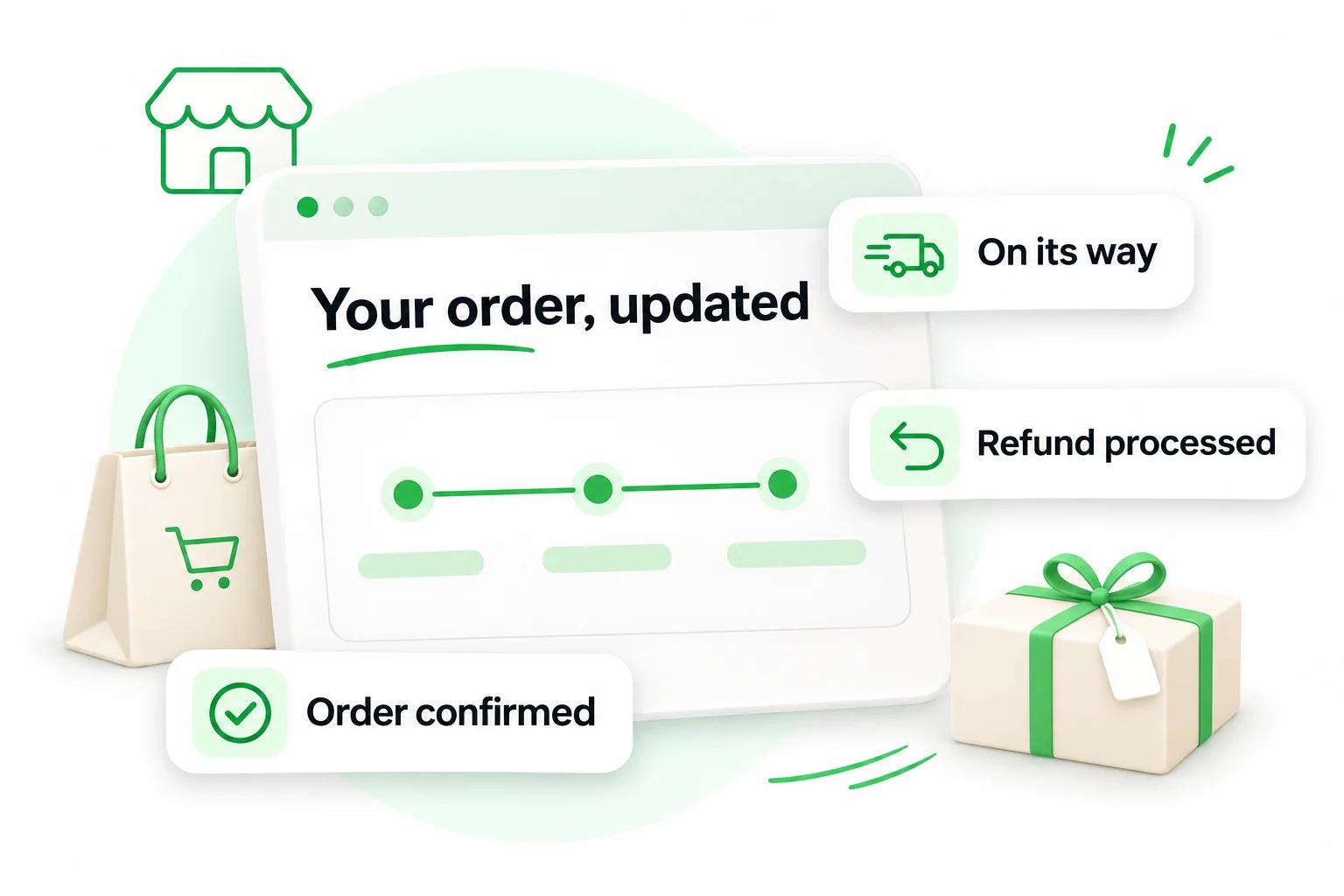
Retail notification moments, from checkout to repeat purchase
Choose an event your store already tracks. Your commerce system supplies the recipient and current details; a configured Nudge handler prepares the message for the channels you select.
Order confirmations
When an order is confirmed, send the order number, purchased items, and a link to view it. Pass those details from your order system into the template.
Shipping and delivery changes
Use events from your fulfillment system to share tracking links, shipment changes, or a revised delivery estimate. Your logistics system supplies the status and estimate.
Returns and refunds
Send an update when a return is accepted or a refund is processed. Include the reference and next step recorded by your returns or payment system.
Back-in-stock and price alerts
Have your inventory or pricing system identify a change and the shoppers who requested an alert. Trigger a handler with the product details and store link.
Cart and checkout reminders
Let your checkout workflow identify an unfinished purchase and eligible recipient. Check whether the order has been completed before triggering a reminder with the recovery link.
Loyalty and customer offers
Use member status or offer eligibility supplied by your customer system to send a reward update or promotion. Your loyalty system manages points, benefits, and redemption.
Keep retail messaging controls together
Configure the notification flow in Nudge while your commerce systems supply the business events and customer data.
Reusable channel templates
Prepare order, shipping, or refund templates for the channels you use. Pass relevant order details into template variables.
Providers you connect
Choose supported delivery providers for your channels and configure their senders. Keep delivery settings reusable across notification handlers.
Customer preferences
Manage customer notification preferences as part of your messaging flow. Check recipient eligibility before launching retail promotions.
Audience selection
Use customer pools and target lists where your workflow needs an audience. Keep the customer data used for selection current in your connected process.
Execution and send activity
Inspect notification events and the available execution details to investigate a send. Review message activity alongside the order records in your commerce system.
Backend event triggers
Trigger a configured handler from your backend with the recipient and order, shipment, or refund details.
What your team owns, and what Nudge handles
Keep commerce decisions in your store and backend. Nudge coordinates the notification setup; your connected providers handle external delivery.
Your store and backend
- Maintain order, shipment, inventory, and refund status in your commerce systems.
- Decide which shoppers qualify for stock alerts, promotions, or cart reminders; check whether a purchase is already complete.
- Supply the recipient, order reference, and current product, tracking, or recovery links.
Nudge notification orchestration
- Apply the configured retail handler and channel-specific templates to the details your backend supplies.
- Use the connected providers and customer preferences configured for the notification.
- Record the available notification execution and send details for investigation alongside your order records.
Follow one order confirmation from checkout to send record
Your store supplies the order event and customer details. Your backend connects that event to a Nudge handler, and your connected provider handles external delivery.
Prepare your handler
Connect a supported provider and prepare an order-confirmation handler. Map the order number, customer details, and order link from your store to the template.
Frequently asked questions
Your backend can trigger a configured Nudge handler when your systems record an order confirmation, shipping change, refund, inventory update, or another relevant event. Your systems provide the recipient and current event details.
Nudge supports Email, SMS, WhatsApp, Push, and In-app notifications. Configure the channels, templates, and any required provider integrations for the handler you want to use.
Yes, if Nudge supports those integrations. Check the provider directory, connect your accounts, configure the senders, and test each channel you plan to use.
Your backend calls the Nudge API for a configured handler and supplies the recipient and template data for the event. Start with a test recipient and follow the API documentation for authentication and request fields.
Provide the recipient and the variables used by your template, such as the order number, customer name, order link, or tracking link. Keep order and shipment details current in your commerce systems before triggering the message.
Yes, when your inventory or checkout workflow supplies the event and eligible recipients. Your inventory system detects stock changes. Your checkout workflow checks purchase completion and eligibility before triggering a reminder. Pass the product or recovery link into the handler template.
Dokaai supports customer notification preferences. Keep recipient preferences current and check eligibility when preparing a retail promotion; available options depend on your configuration.
Review the notification event and its available execution and send details. Use your commerce or analytics system to evaluate purchases and revenue alongside notification activity.
Plan your first retail notification with Nudge
Bring one retail event, a sample message, and your recipient and provider requirements. Join the pilot to map the notification flow for your store.
